



What to Expect
When moving homes, it can take months to fully unpack, establish new routines, and feel at home in the new environment. Likewise, we will experience many Workday firsts over the next year, and it may take some time until if feels comfortable using Workday.
Not everything will change at once. Starting June 2026 and throughout the academic year 2026-2027, you will see changes to Macalester webpages, forms, operational processes. You will also see changes to your Workday experience which will evolve as new features and reports become available. Over time you will see changes in:
- Where you go to complete tasks: Many tasks that used to rely on paper forms, PDFs, or email submissions will move into Workday.
- How approvals and notifications work: Instead of manually forwarding messages, Workday routes tasks to the right people and provides greater transparency by showing you its real-time approval status.
- How information is organized: You may see new terminology like “worktags,” Workday’s version of FOAPALs. We recognized that changing FOAPALs will be a big adjustment for the Macalester community. To help with the transition, please know:
- Rather than needing to know the exact new code, Workday entry fields feature a Google-like search where you can find and select entries based on partial keyword searches, like “Biology” or “MCSG.”
- A lookup tool will be available to help with this transition where you can enter a FOAPAL to get the Workday worktag.
Summary of Key Changes
- Timesheets, Time clocks, and Leave reports will be entered in Workday
- Instead of Banner-specific FOAPALs, Workday uses what they call worktags for finance and accounting coding
- Pcard reconciliation, reimbursement requests, and other expensing
- Travel advances
- Vendor payments including invoices, check requests, and Standard Engagement Contracts (SEC)
- Finance reports and Grant award management
Changes by Process Area
This list is to help you identify things you currently do that will be changing starting in June 2026. Please note that this is not a definitive list and is updated as we learn more. If you don’t see something on this list, email [email protected] to find out.
Payroll, Time and Absence
-
- Payroll processing will be run through Workday.
- Payslips and employee tax documents will be in Workday, including 2026’s W-2.
- Term change: Payslips formerly known as paystubs
- Payroll elections, like direct deposit and tax elections, will be managed in Workday.
-
- Time worked will be entered in Workday
- Timeclock Plus (TCP Clock) users will have new kiosks for clocking in and out.
- Web Time Entry (1600grand) users will enter hours worked in Workday through the app or web.
- Managers and Supervisors will review, approve time and time off in Workday.
- Timesheet corrections can be done in Workday, no payroll form will be needed.
- Staff will be able to initiate the correction for manager review.
- Supervisors of student employees will be able to initiate corrections (e.g. forgetting to clock out) on behalf of the student.
- Process change: Unlike Banner/Argos notifications, Workday notifications are specific to required actions. If you receive a Workday notification, complete the task specified.
- Time worked will be entered in Workday
-
- Term change: Absence or time off formerly known as leave.
- Absence (Time off) can be entered in Workday up to a year in advance, replacing monthly leave reports for salaried/exempt staff.
- Time off balances will be updated as they are entered and approved.
- Unplanned absences can still be entered when the employee returns to work.
- Student employees will be able to enter their own sick time.
- Personal holidays will be available for use at the start of the year. After using the personal holiday, the balance will show as zero (0).
Finance and Expenses
-
- Example: The Cost Center worktag is your department, formerly Organization.
- Worktags will have an alphanumeric code and natural language name (e.g. CC1234 Math, Statistics & Computer Science). The worktag can be found through a Google-like keyword search.
- There will be a FOAPAL to worktag look up tool also available to assist in the transition.
- Worktags are defaulted into expense report and invoices, and they can be changed as needed.
- Workday will prevent use of inactive or unauthorized worktags.
-
- In Workday, this is called an Expense Report.
- Reconciliation will be done in Workday
- Photos of receipts can be attached to expense reports for submission.
- Pcard transactions will be posted throughout the month to support real-time budget updates.
- This will phase out use of the Wells Fargo site.
- Process change: All Pcard transactions will require reconciliation. Unreconciled transactions will not default to the Pcard holders’ primary Worktags (formerly FOAPALs).
- Process change: Repayment options for personal transactions will be cash or check only. Workday will not transfer funds from personal checking accounts for Pcard repayment.
-
- In Workday, this is called an Expense Report.
- Reimbursement will follow the same steps as Pcard reconciliation removing unnecessary process variations and forms.
-
- In Workday, this is called a Spend Authorization Request.
- In the request, the “Cash Advance” box must be checked.
-
- In Workday, this is called a Supplier Invoice.
- Payments for goods and services will all follow the same request process removing unnecessary process variations and forms.
- Approvals will route automatically.
- You will have transparency through the request process and no longer need to track through email chains.
- Vendors (now called Suppliers) including DocumentServices, Mailing Services, and Bon Appetit have been given the new Worktags and will be expecting them, not FOAPALs, starting in June.
- Bulk invoice submissions may need to follow a different process, similar to current processes.
-
This will have an interim process until Phase Two when student accounts are in Workday. For now this will be a called Miscellaneous Payment request.
Budget and Grant Management
-
- Budget reports will be in Workday.
- Balances can be viewed at any time with real-time updates.
-
- Grant Awards will be managed in Workday.
- Expenses, invoices, and employee time will be submitted and reviewed through Workday.
- Balances will be updated real-time as expenses are approved.
- Monthly or quarterly reports will be replaced by self-service on-demand reporting.
-
- In Workday, this is called Gifts for both restricted and endowed funds removing unnecessary process variations.
- For endowments, Workday will post the full amount available at the start of the year, replacing the monthly allocation.
Student Employment
-
- Student positions will be created and managed in Workday.
- Students will search and apply to postings in Workday.
- Candidate screening and hiring will also be in Workday.
-
- All jobs will all be initiated and offered in Workday, including students who work in multiple positions.
- Students will complete onboarding tasks, like I-9 and required learning, directly in Workday.
- Employment will not begin until all required approvals and tasks are completed in Workday.
-
- Students will clock in/out and submit sick time requests through Workday.
- Supervisors will review, approve time and approve sick time hours requests within established payroll deadlines.
- Supervisors will receive a notification if a student forgets to clock out and be able to initiate timesheet corrections.
HR
-
- Staff jobs will be posted in Workday.
- Current employees will be able to apply in Workday’s Jobs Hub.
- External applicants will have an external job board.
- Screening, hiring, and onboarding will be in Workday.
- Employees can view and manage personal information, like home address, phone, and required demographic information
- Managers and HR will manage status changes in Workday, replacing the Status form.
- Staff jobs will be posted in Workday.
-
- Open enrollment for benefits will be in Workday.
- Compliance training or other learning activities, like required FERPA and Title IX training, will be assigned and completed through Workday.
- Staff will create and track performance goals in Workday.
- Managers will receive notification when it is time to conduct mid-year and annual reviews and complete the related forms in Workday.
Don’t see something on this list? Please email [email protected] to find out.
What is not expected to change as part of the Phase One transition to Workday?
- Business Services
- Cashiering processes
- Accounting processes like journal entries and monthly close out will follow the same processes using worktags, not FOAPALs
- Time entry deadlines and payroll processing periods
- Grant Accounting
- Effort reporting in Pandadocs
- Request for 2026 summer salary
- Grant revisions and extensions
- Monthly, quarterly, and annual financial reporting will be from Workday, but the Grant Account will run and sent to PIs
- Student employee scheduling
- Forms and processes managed by the Provost’s Office:
- Faculty Searches and Faculty Hires- posting positions via AcademicJobsOnline (AJO) or other Academic Applications
- Sabbatical Application Process
- Annual Addenda, Chair Evaluations, Faculty Review Processes (e.g., Tenure-Track or NTT reviews)
- Room Scheduling in EMS
- Library database and access
- Scots Care (Student Concern form)
- Google apps like Gmail
- Box cloud file storage
- Moodle
- Slate
- Advising dashboard
- Student travel site
- Van reservations
- DegreeWorks and student records – this will change in Phase Two
What is changing in Phase Two?
Phase Two will include changes to Student information systems used for things like student registration, financial aid, and student accounts. Expect more information about Phase Two coming during the 2026-2027 academic year.
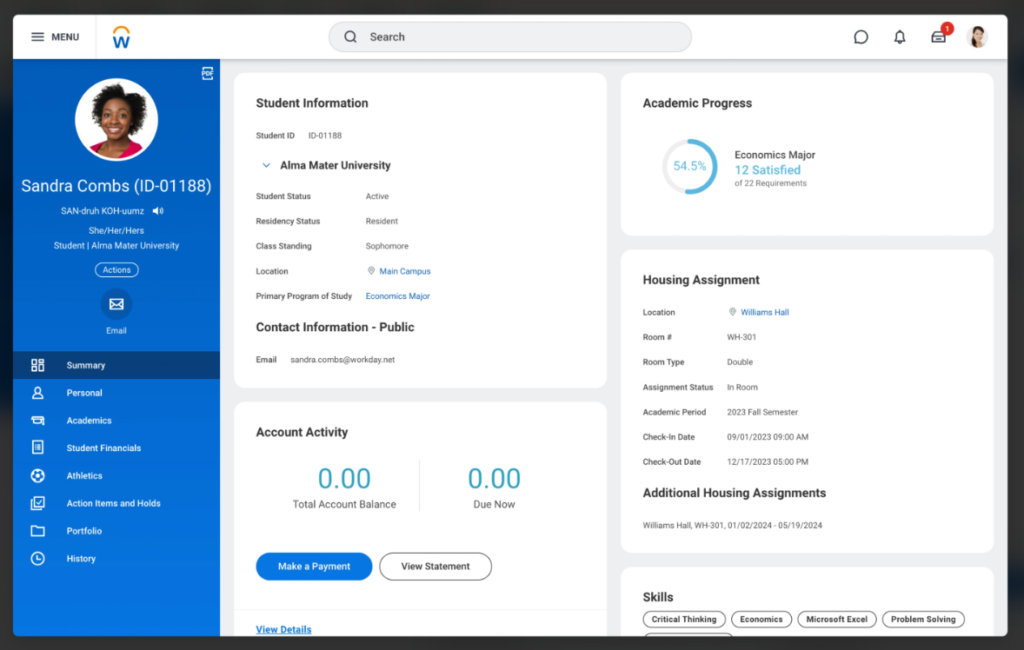
Real Stories, Real Impact
How Workday Works for Higher Ed
Watch these short videos to help you imagine what using Workday at Macalester could be.

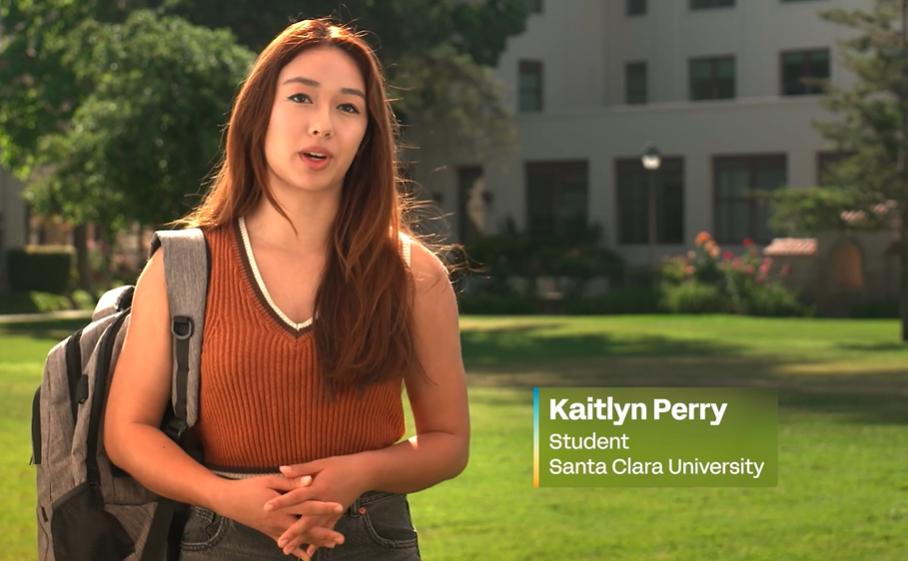
Santa Clara University
A Student’s Day with Workday: Santa Clara University Student Story (3 minutes)
Related pages
Updated: March 24, 2026